AI screenshot designer for the App Store and Google Play
Upload your raw app screens. AI writes the headlines and designs cute, sleek, bold or premium store screenshots around your real UI — checked against Apple and Google guidelines.
15 credits per set of four designs · 100 free credits on sign-up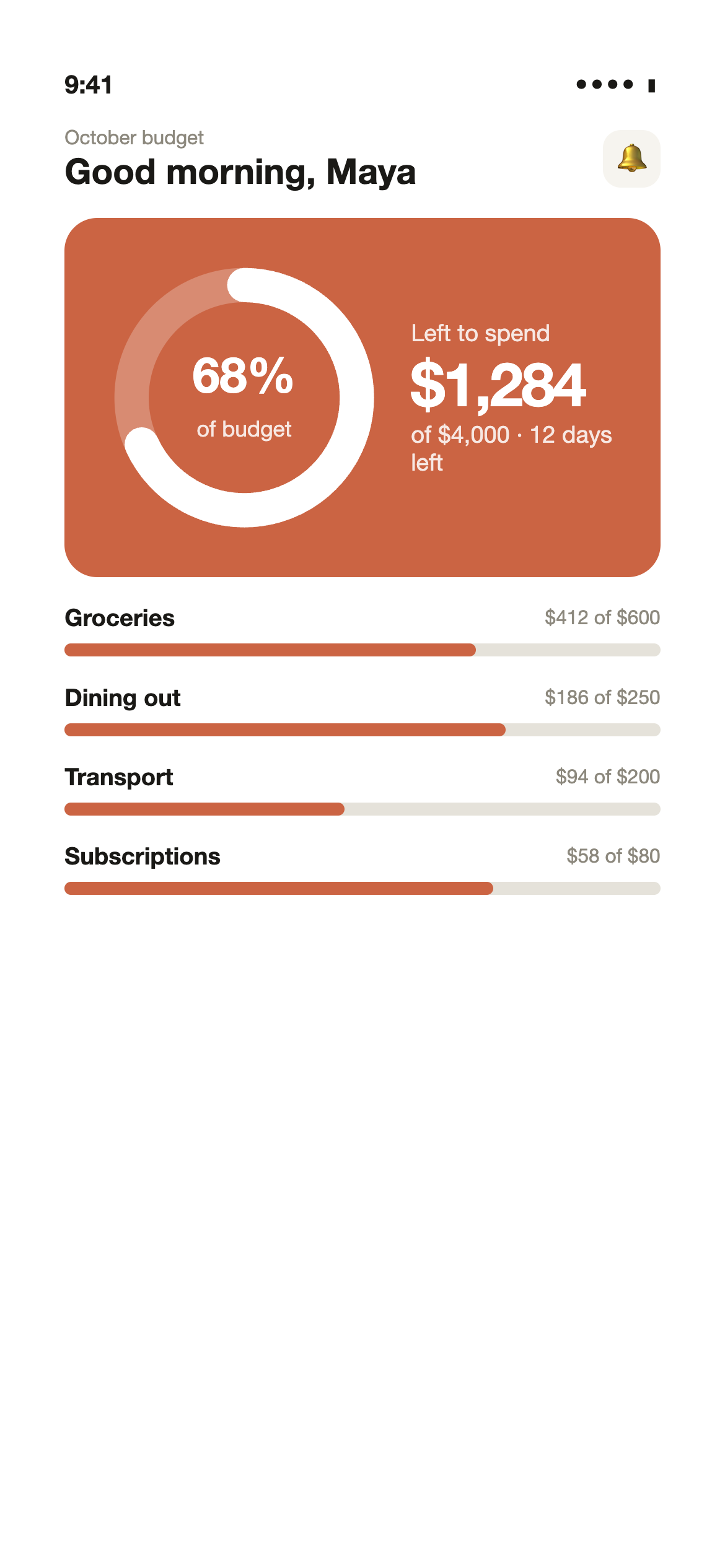
Five styles, four designs each
The same three app screens in every style. The AI also picks colours from your own UI, so your result will match your brand.
Cute & playful
Soft pastel colours, rounded friendly type, warm and approachable.
Sleek & minimal
Lots of white space, restrained palette, crisp modern type.
Bold & vibrant
Saturated brand colour, heavy type, high energy.
Dark & premium
Near-black backgrounds, elegant type, subtle accent colour.
Fresh & natural
Light greens and creams, calm and trustworthy.
How it works
- 01
Upload your app screens
Drop in up to six screenshots from your phone, simulator or emulator. PNG or JPG.
- 02
Pick a style
Cute and playful, sleek and minimal, bold and vibrant, dark and premium, or fresh and natural. Add a note about your brand if you like.
- 03
Get four designs
AI writes a headline and subtitle for every screen and proposes four finished designs in about half a minute.
- 04
Edit, translate, export
Change any colour, font or line of text, translate into 24+ languages and export exact store sizes.
Built around Apple and Google screenshot guidelines
Every design is checked before you see it. These are the rules Screenva applies automatically.
Your real app, unchanged
Apple asks that screenshots show the app in use. Screenva places your actual screen inside the device and never redraws or invents UI.
Readable text
Every headline is checked for a contrast ratio of at least 4.5:1 against its background, and type is kept large enough to read in search results.
No claims the stores reject
Words like “#1”, “best”, “free”, prices and discounts are removed from the copy. Google Play discourages them and Apple rejects misleading claims.
No fake ratings or badges
Star ratings and award badges are left out unless they are real — both stores treat invented ones as misleading.
Exact store sizes
iPhone 6.9″ (1320×2868) and 6.5″ (1284×2778), iPad 13″ (2064×2752) and Android phone (1080×1920), as PNG without transparency.
The right number of screens
The App Store allows up to 10 screenshots per language and Google Play up to 8. Screenva designs one per screen you upload.
Questions
What does the AI screenshot designer do?
You upload plain screenshots of your app. The AI looks at each screen, writes a short benefit-led headline and subtitle, and proposes four complete store screenshot designs in the style you pick, with your screen inside a device frame.
Does the AI change or redraw my app's UI?
No. Your real screenshot is placed into the design as it is. The AI only chooses the background, colours, type and layout around it, and writes the copy.
Do the designs follow Apple and Google guidelines?
Each design is checked automatically: readable contrast, legible type size, no ranking or price claims, no fake rating badges, and export at the exact pixel sizes the App Store and Google Play require. Final review is still done by Apple and Google.
Can I edit the result?
Yes. Every design opens in the template editor, where you can change the headline, colours, fonts, device frame and layout, then apply it to all your screens.
Can I translate the designed screenshots?
Yes. Send a design to the Studio and Screenva translates the headlines into 24+ languages, including right-to-left languages, and renders every size.
How much does it cost?
One run designs four looks for all your screens and costs 15 credits per run, whatever the number of screens. Translated exports cost 5 credits per image; English (en-US) exports are free. New accounts get 100 free credits, and you can explore the app without signing up.